Unstoppable Code runs on Mac and Windows. A mobile app for iOS and Android lets you steer your agents when you are away from your computer.
Choose a build
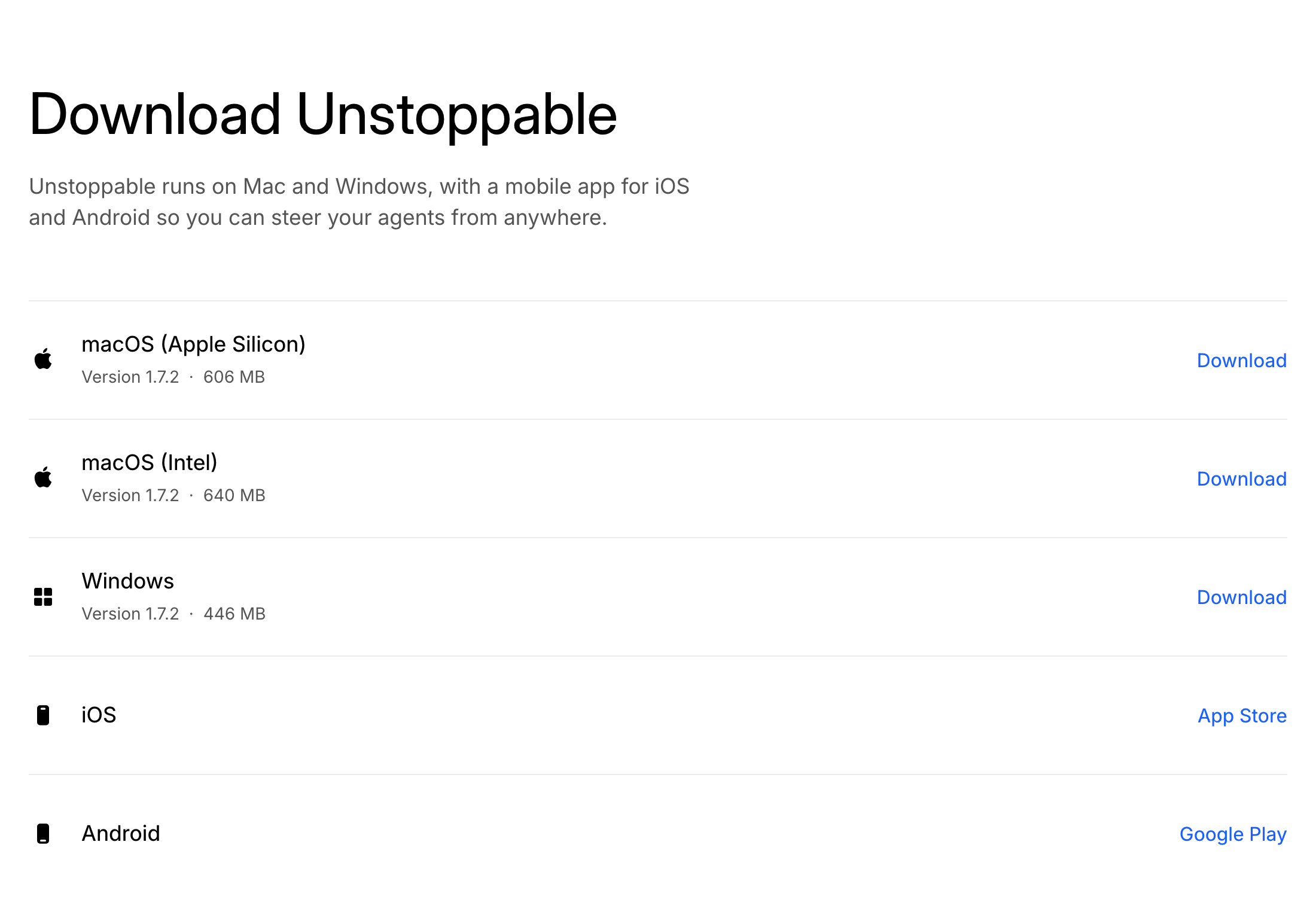
Open the download page. It lists each desktop build with its version and size:
- macOS (Apple Silicon) for Macs with an Apple chip.
- macOS (Intel) for Macs with an Intel processor.
- Windows for Windows computers.
Not sure which Mac you have? Open the Apple menu and choose About This Mac. The chip or processor line tells you which build to pick.
Select Download next to your build, then open the downloaded file to install the app.
A build marked Coming soon is not available yet. If the page says desktop downloads could not be loaded, refresh it and try again.
Set up Git on Windows
The app needs Git to work with your projects. If Windows has no Git installation, the app opens a Git installation is required screen when it starts. You have three ways forward:
- Install sets up Git for you. This option requires winget.
- Manual opens the Git download page so you can install it yourself.
- Browse points the app at a Git installation you already have.
If you installed Git yourself, select Recheck. When the screen shows Git is ready, select Continue.
Get the mobile app
The download page also links to the iOS app on the App Store and the Android app on Google Play. To see what you can do from your phone, read about the mobile app and Remote Control.